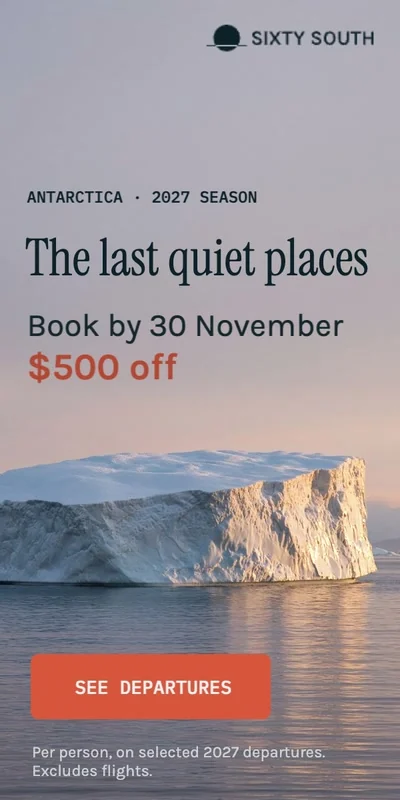
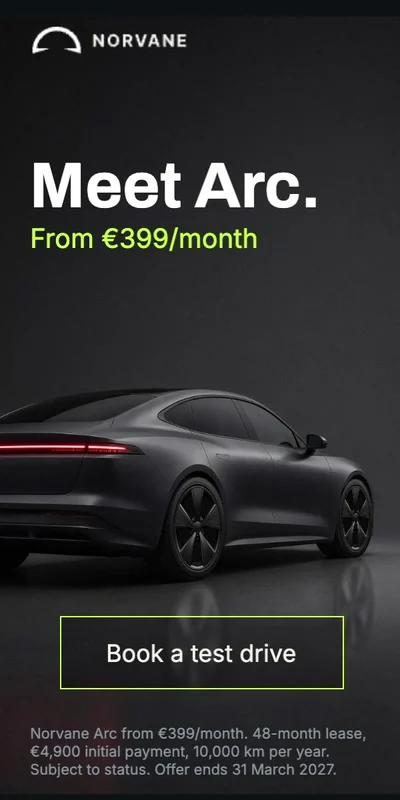
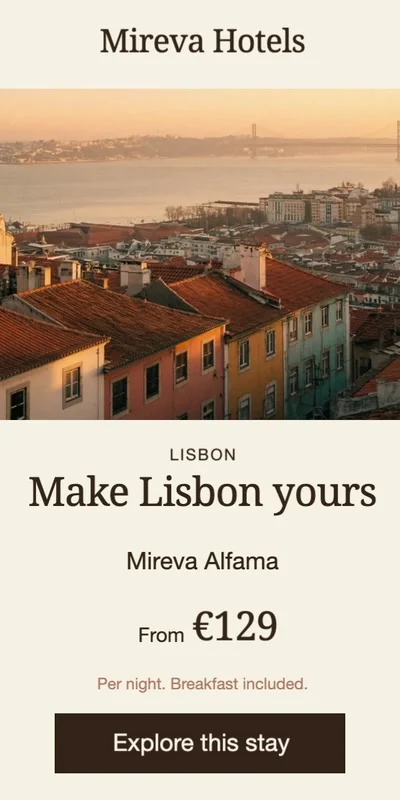
Not the first banner — the rest of the set. Every extra size, every language, every late change after sign-off, and every handoff between the people who design, animate, and deliver.
Sizes and variants come from the approved master, so the design is never rebuilt
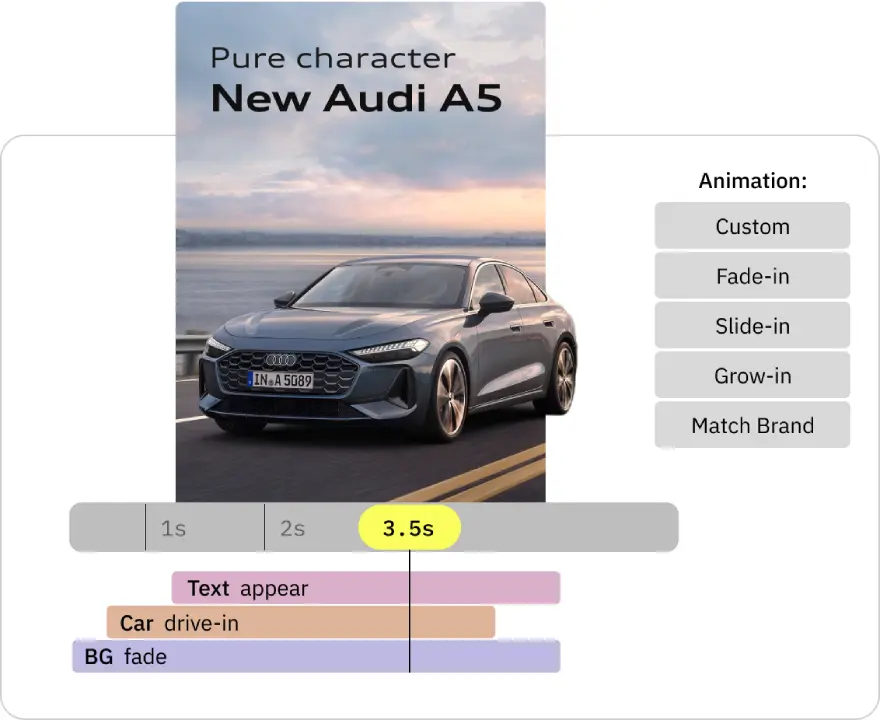
Motion carries across the set instead of being keyframed size by size
A late copy, offer, or language change edits the campaign, not every file one by one
Review and delivery run from the same campaign — native HTML5, video, or GIF
Fewer repetitive production hours, fewer handoffs, and the same team shipping more complete sets.
Hover to play. Open one in the editor and change something.
Start with AI draft, refine anything
The draft is a starting point – every layer stays editable. Animate it, build the campaign sizes, and export native HTML5, video, or GIF. No signup required to try.
Foldwrap revolutionized our digital marketing, boosting productivity significantly. Highly recommended for marketing and design teams seeking to streamline campaign launches
Alex Zonnenberg
iChoosr
Automatic first pass, full timeline underneath
Every element gets motion without you opening the timeline. When a client asks for something specific, the timing, presets, and keyframes are all still there — the automatic result never locks you out of the creative.
Foldwrap turns approved Figma designs into editable animated ad campaigns. Animate, create sizes and variations, review the set, and export native HTML5, video or GIF.
Who is Foldwrap for?
Digital agencies, creative studios and in-house teams producing campaigns regularly. It’s built for work involving multiple ad sizes, client revisions and repeated delivery.
Can I copy animation across banner sizes?
Yes. Copy motion lets you reuse approved animation across sizes in the same creative set, including after a client revision. Foldwrap copies motion and timing between matching layers, preserves each layout, and highlights anything that needs attention. Copy to one size at a time, then preview. See how to copy animation across sizes.
What formats can I export?
Export native HTML5 banner ads, video or GIF. HTML5 exports include the banner and its resources in a ZIP package.
What do I need to start?
Start with an approved Figma design and import it using the Foldwrap plugin. You can also explore an example or generate a first draft with AI.
How does Figma integration work?
Select your ad frames in Figma and import them with the Foldwrap plugin. Refine the animation and edit your creatives in Foldwrap, then use AI resize to create campaign sizes and Copy motion to reuse approved animation as you prepare the set for delivery.
Do I need to animate each element individually?
No. Start with automatic animation, then adjust individual elements, timing and keyframes wherever the campaign needs more control.
Can I create different sizes and content variations?
Yes. Create sizes with AI resize, adapt text and images, or translate content for different markets. For repeated offers or products, use Create from spreadsheet on Studio.
Pro covers recurring campaign production. Choose Studio for spreadsheet variants, more AI capacity and team logins, or discuss Enterprise for API access and custom workflows.