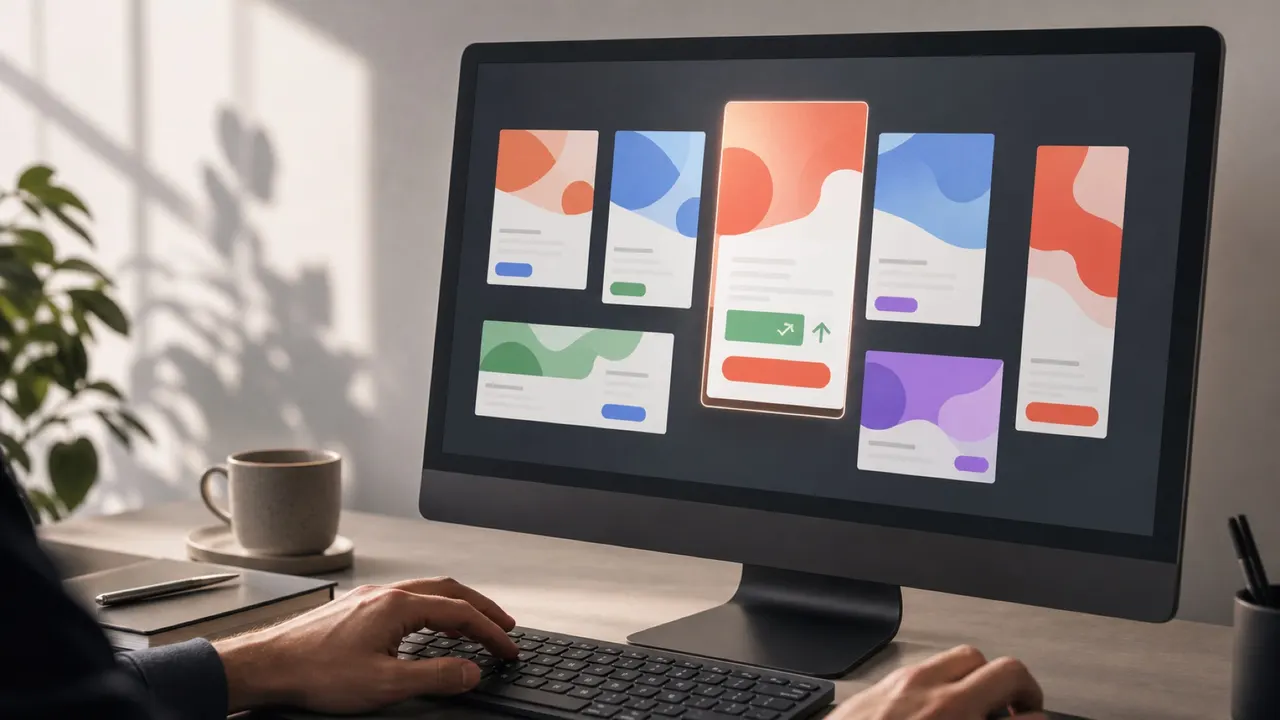
A campaign is approved, sized, animated, and ready to ship. Then the client sends a revised price, a longer legal line, a different CTA, or a new product shot.
That single change usually has to land across every size and every market variant before the deadline. This is where production time actually gets lost — not in the first build, but in the last-minute revision pass.
The useful question is not “how do we change this?” It is “which creatives are affected, and how do we check them without disturbing the rest of the set?”
Why Late Changes Are So Costly
A late request is rarely one edit. It is one edit multiplied by every size, language, and platform variant already produced:
- The same text or asset change has to be repeated across every derived size
- Motion timing can drift out of sync between variants after a manual fix
- It is easy to miss one size or one market row during a rushed pass
- A revised price or image can create a new layout, timing, file-weight, or click-tracking issue
The cost is not the edit. It is finding every place the edit needs to happen, and confirming nothing else broke.
Where Revision Work Goes Wrong
The slow path is treating a campaign as a pile of disconnected files:
- Reopening every individual size file
- Manually repeating the same edit in each one
- Re-checking motion timing per file
- Losing track of which exports and review pages are now current
For a campaign with a dozen sizes and a few languages, one line of copy can turn into a rushed production pass.
A Faster Revision Workflow

1. Map the change before editing
Separate the request into what it actually affects: one text string, one image, one CTA, one legal disclaimer. Then identify the sizes, languages, and data-driven variants that use it. Most late requests are narrower than they first sound.
2. Update the affected creatives
Select the affected sizes or variants rather than reopening the entire campaign. For a repeated change, use a scoped multi-select edit where it is appropriate, or the AI-powered edit tool to describe the change once and apply it; otherwise, update the affected creative directly. Keep the scope visible: a change for one market should not quietly reach every language or size.
The aim is not to force every creative into the same layout. It is to avoid hunting through unrelated files while keeping each variant editable.
3. Check the selected export set
A late change can break something that already passed: a price string may be longer, a legal line may no longer fit, or a replacement image may have a different aspect ratio. Re-check timing and layout on the changed creatives, then run preflight on the creatives selected for export. Check dimensions, file weight, click tracking, and unsupported assets before delivery.
4. Keep the review page current
If the client already has a review link, update the presented set in place rather than sending a new link. Keep only the relevant creatives visible. That preserves context for the reviewer and makes the current version clear.
Set Up the Next Revision
Late changes are rarely a one-time event on a recurring account. A few habits make the next round faster:
- Keep the approved master as a reference for layout, motion, and brand decisions
- Keep a record of which source, size, or data row produced each variant, so a targeted fix does not require re-running the whole batch
- Standardize offer, price, and legal-text fields where possible, so the next update starts with a clear scope
A Short Revision Checklist
- Confirm the exact scope: copy, image, CTA, legal text, language, or offer.
- Identify the affected sizes and variants.
- Make the change with a scoped multi-select edit when it fits; otherwise, edit the affected creative directly.
- Inspect timing and layout after any text or asset swap.
- Run preflight on the selected export set, then update the existing review page.