Running campaigns across multiple platforms means constant resizing, QA checks, and last-minute fixes. A single wrong dimension can break layout, crop key text, or reduce quality.
This guide gives freelancers and agency teams a practical reference for the most-used social media image sizes in 2026.
Essential Image Size Terminology: A Quick Guide
Before platform-specific sizes, here are the terms you will use every day:
- Pixels: the smallest units that build a digital image.
- Resolution: total pixel detail in the image. More pixels usually means sharper output.
- DPI (dots per inch): print-focused density metric. For social graphics, pixel dimensions matter most.
- Dimensions: width x height in pixels, such as 1080x1080.
- Aspect ratio: width-to-height proportion, such as 1:1 or 9:16.
How to Use This Cheat Sheet in Production
Use these dimensions as your export baseline, then validate on real placements before launch.
For high-volume workflows:
- Design a master layout with safe spacing around text and logos.
- Generate platform variants in batches, using AI resizing to hit every dimension on this page without redesigning from scratch.
- QA each variant in preview and final upload flow.
This process helps teams ship faster while keeping visuals consistent across channels.
Instagram Story Size and Feed Post Dimensions
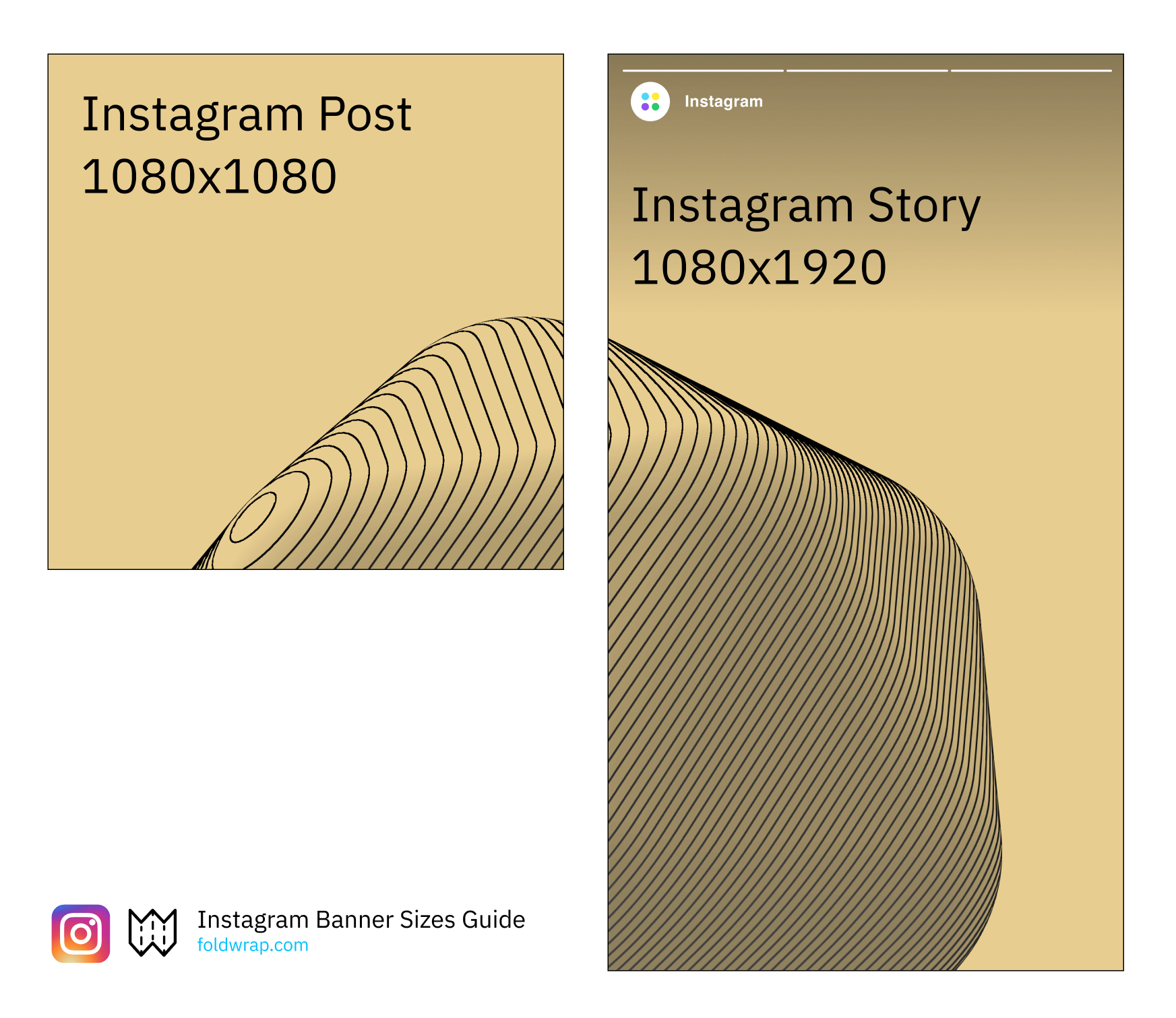
Instagram remains a core platform for both paid and organic reach. Since the 2025 move to a taller feed, the 4:5 portrait post is the default worth designing for: it fills the most screen space and survives the 3:4 profile grid crop without losing edges.
For Stories, keep text and CTAs away from top and bottom UI overlays to protect readability.
| Image Size | |
|---|---|
| Instagram Post (4:5) | 1080x1350 |
| Instagram Post (square) | 1080x1080 |
| Instagram Story / Reel | 1080x1920 |
Facebook Post and Search Ads Banner Sizes
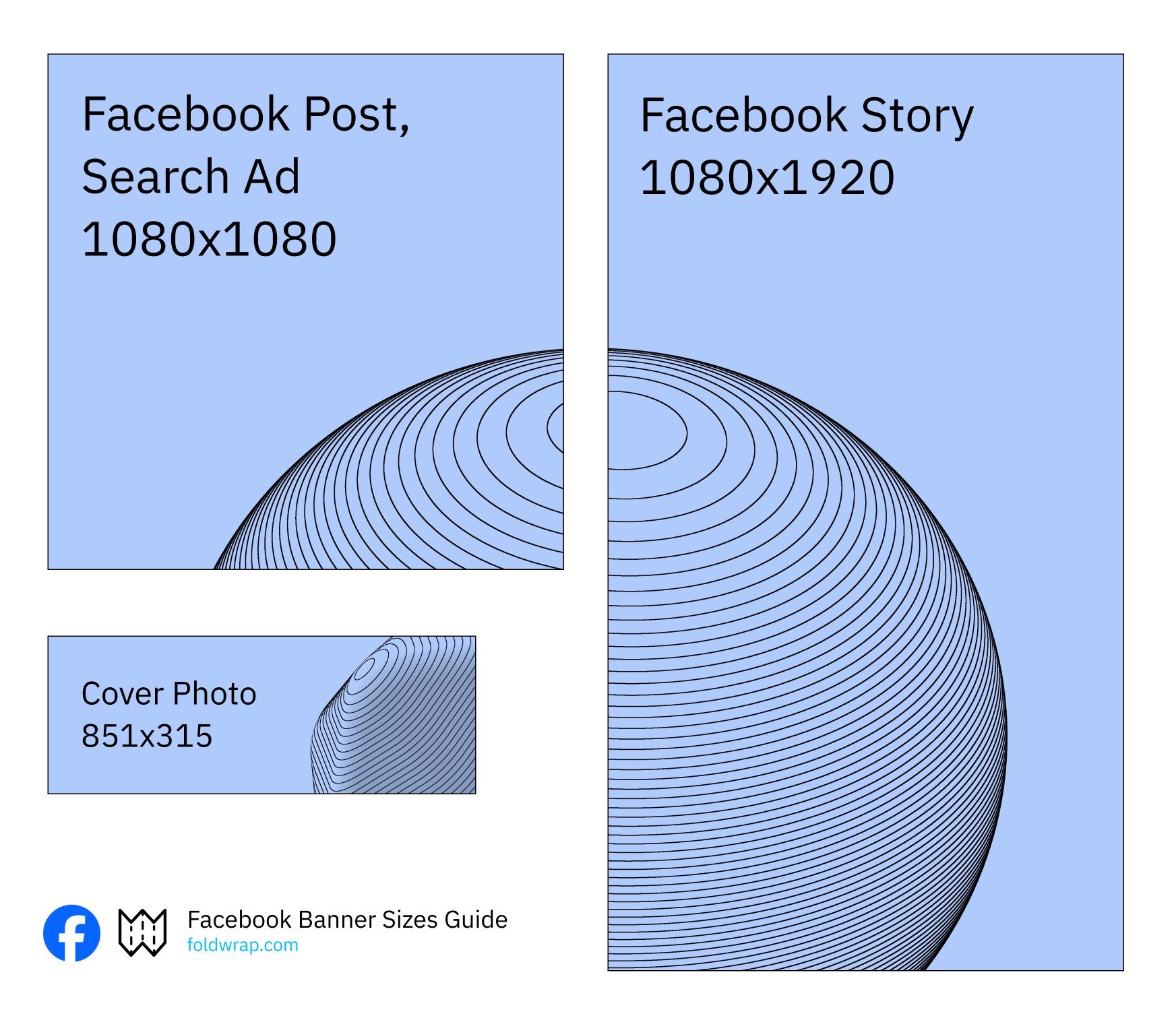
Facebook placements vary across feed, stories, search, and profile contexts. Using the right dimensions keeps your creative clean across desktop and mobile.
For most campaigns, 1080x1080 is a strong default for Feed Ads, Search Ads, and Posts.
| Image Size | |
|---|---|
| Facebook Post | 1080x1080 |
| Facebook Feed Ads | 1080x1080 |
| Facebook Search Ads | 1080x1080 |
| Facebook Story | 1080x1920 |
| Facebook Cover Photo | 851x315 |
YouTube Banner Sizes
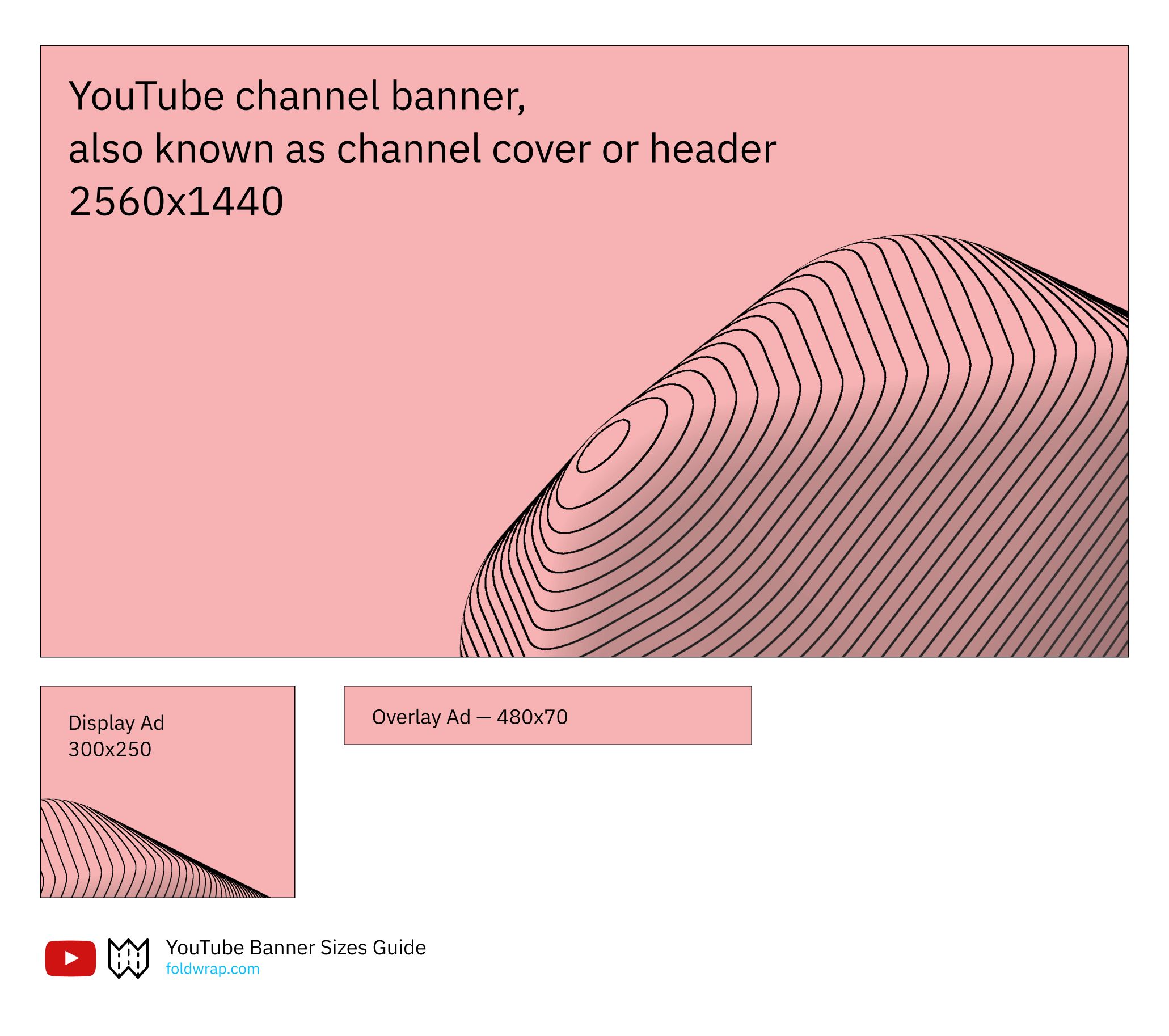
YouTube branding assets should stay crisp across phones, desktops, and TVs. Correct sizing is key to avoiding awkward crops and blurry creative.
Channel cover art is the one to get right: you upload 2560x1440, but YouTube crops it differently on every device. Only the centred 1546x423 safe area is guaranteed to be visible everywhere, so keep all text and logos inside it.
| YouTube | Image Size |
|---|---|
| Channel Cover | 2560x1440 |
| Cover Safe Area | 1546x423 |
| Video Thumbnail | 1280x720 |
| Profile Picture | 800x800 |
| Shorts | 1080x1920 |
Note on ad formats: YouTube retired overlay ads on 6 April 2023, and the legacy right-rail display unit went with them. Current YouTube advertising runs on video formats — skippable and non-skippable in-stream, bumpers, in-feed, and Shorts — so there is no static banner size to design for.
LinkedIn Banner Sizes
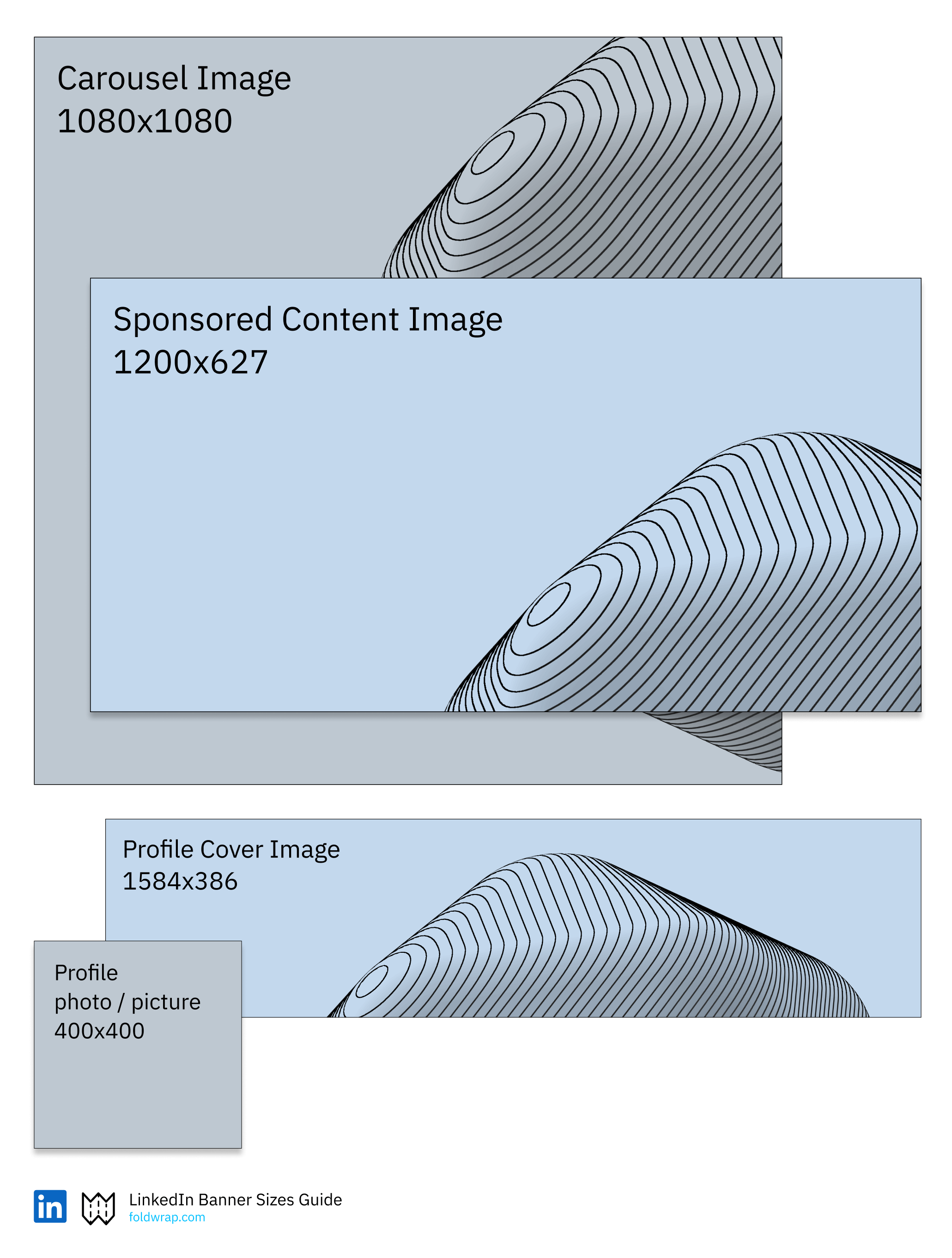
LinkedIn is a high-value channel for B2B awareness and lead generation. Profile, company, and sponsored assets all benefit from strict sizing to keep visuals professional.
| Image Size | |
|---|---|
| Profile Cover Image | 1584x396 |
| Profile Photo | 400x400 |
| Carousel Image | 1080x1080 |
| Sponsored Content Image | 1200x627 |
Shopify Banner Sizes
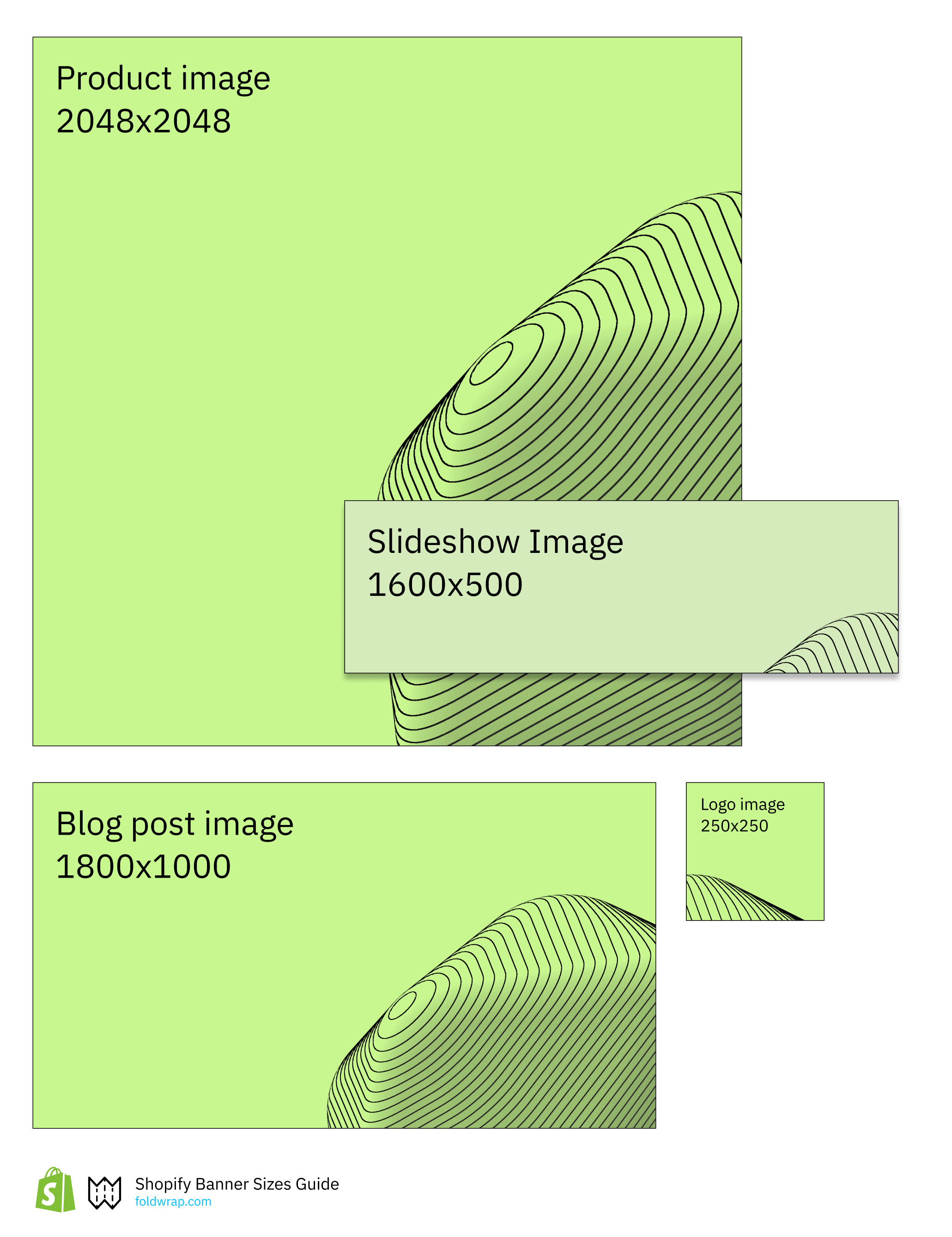
For ecommerce teams, consistent Shopify image sizing improves storefront quality, perceived trust, and conversion flow.
| Shopify | Image Size |
|---|---|
| Product Image | 2048x2048 |
| Slideshow Image | 1600x500 |
| Blog Post Image | 1800x1000 |
| Logo | 250x250 |
Discord Banner Sizes
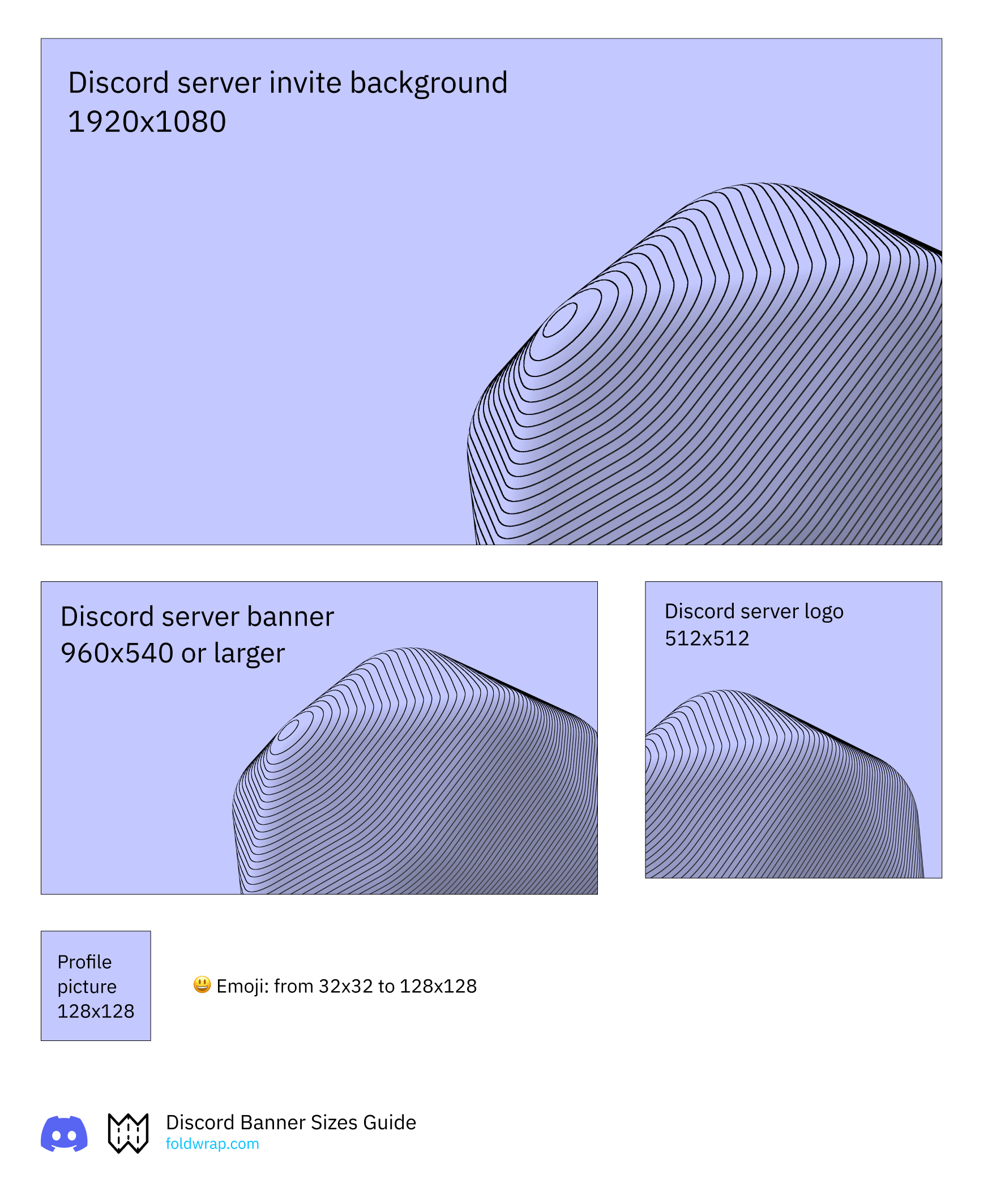
Discord communities are brand touchpoints too. Correct server and profile dimensions help maintain a polished visual identity.
| Discord | Image Size |
|---|---|
| Server Invite Banner | 1920x1080 |
| Discord Server Banner | 960x540 or larger |
| Discord Server Logo | 512x512 |
| Profile Picture | 1024x1024 |
Upload the profile picture at 1024x1024 even though Discord renders it at 128x128 — supplying the display size directly is the usual cause of a soft, blurry avatar on high-density screens.
Conclusion
Social media creative quality depends on both design and execution. Correct dimensions are the baseline for consistent, high-performing assets across channels.
Keep this page bookmarked as a working cheat sheet for campaign production, resizing, and QA.
Specs verified against platform documentation on 7 September 2026. Platforms change these without notice, so re-check anything critical before a launch.
Foldwrap helps you create social ads and animation quickly with just a few clicks.
For display campaigns outside social platforms, use our dedicated web ads image dimensions guide.