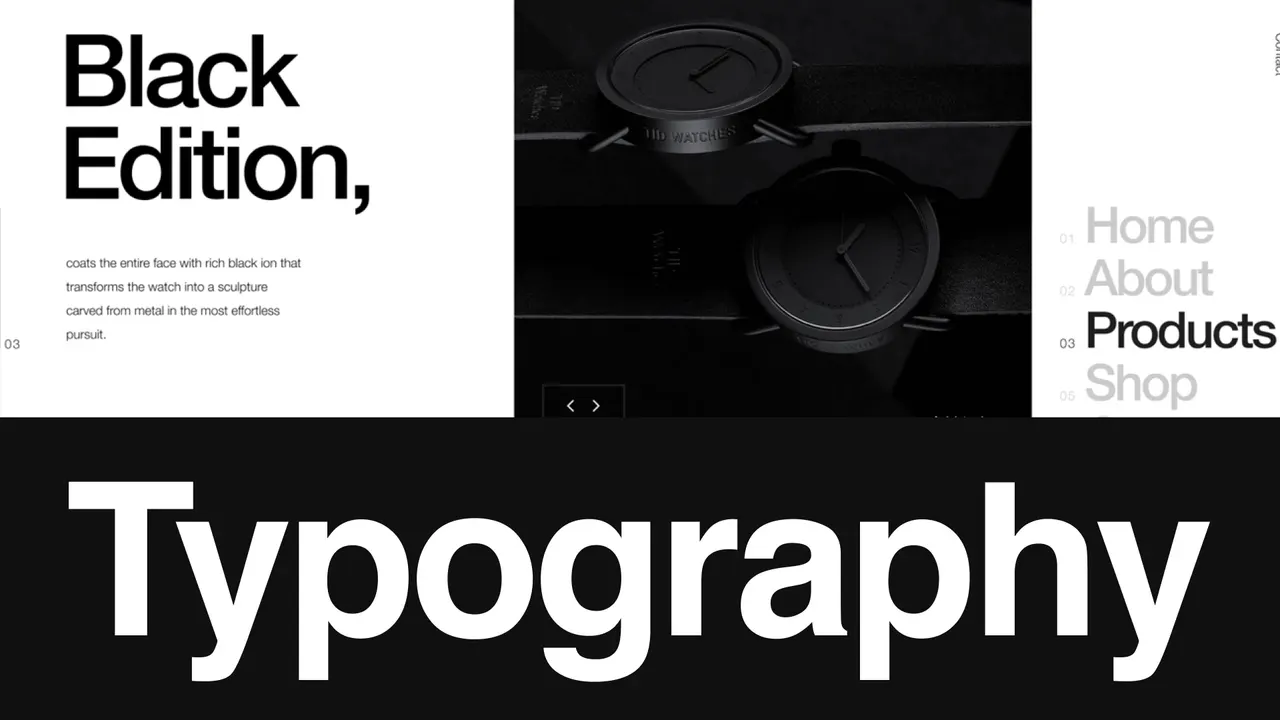
In display advertising, you usually have a second or two to communicate value. Typography decides whether people read your message or skip it.
For freelancers and agency teams, typography quality is not just a design detail. It affects campaign performance, client trust, and brand consistency across every ad size.
In real ad delivery environments, text quality often degrades because of rasterized formats, scaling, and inventory constraints. The result looks like this:
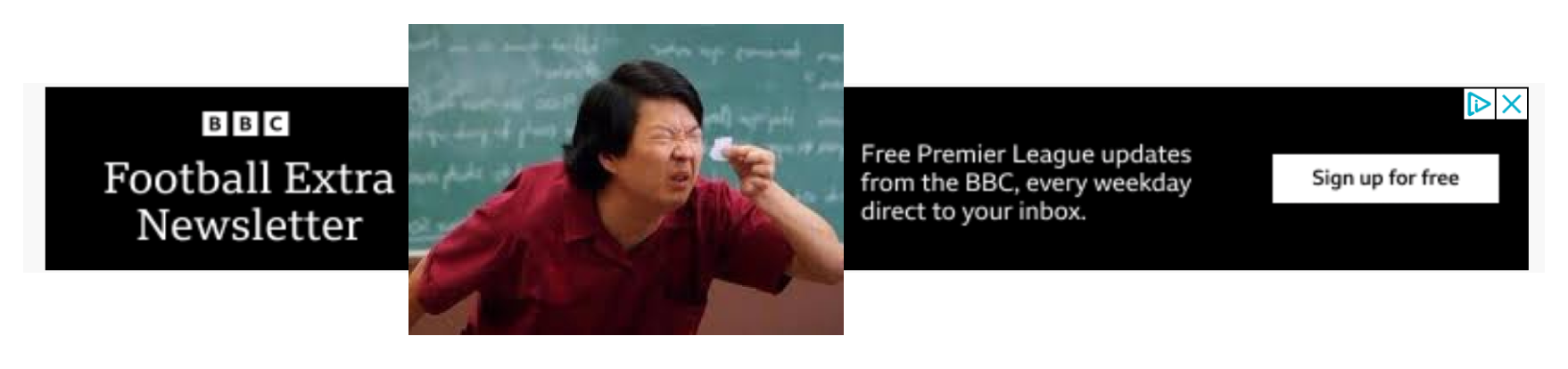
Slightly blurred text is still readable, but it gets ignored faster and feels less trustworthy. For premium brands, that quality drop is expensive.
At Foldwrap, we focus on crisp, production-safe typography in HTML5 banners, so your ads look sharp on every screen, including high-density displays.
Why Typography Matters in Display Advertising
- First Impression and Trust: Clean type signals quality immediately. Poor type makes ads feel low-effort and can hurt brand perception.
- Readability at Speed: In fast-scrolling environments, clear text helps people understand the offer in seconds.
- Brand Consistency: Consistent typography across formats and sizes reinforces identity and reduces QA issues.
- Performance Impact: Better readability and consistency improve message retention and can support higher CTR in A/B-tested campaigns.
Why HTML5 Typography Outperforms GIF and Video in Banner Ads
One major advantage of HTML5 is text clarity. In GIF and video workflows, text can pixelate or blur when compressed or scaled. In HTML5, text remains native and resolution-independent, which keeps it sharp across sizes and devices.
For teams shipping multi-size campaigns, that clarity is critical for both brand integrity and ad effectiveness.
Foldwrap: Typography Quality Without Slowing Production
With Foldwrap and its Figma plugin, you can keep pixel-perfect typography while moving fast from concept to delivery. Here is how:
- Native HTML Format: Our tool converts your Figma designs into native HTML5 format, ensuring that fonts are rendered accurately and crisply on all devices, including high-resolution retina screens.
- 1-Click Animation: Foldwrap applies smooth text animations without sacrificing readability during motion.
- Flexible Editing: In the banner editor, or with the AI-powered editor, you can adjust typography, timing, and animation behavior to match brand guidelines.
- Automated Workflow: From Figma to HTML5 banner conversion to ad review and approval, Foldwrap reduces manual production steps and approval friction.
Build Better Display Ads, Faster
Foldwrap is not just animation software. It is a production workflow for teams that need fast iteration, consistent quality, and clean handoff.
Whether you are a solo freelancer managing multiple clients or an agency team scaling variants, Foldwrap helps you turn creative direction into launch-ready HTML5 banners with less rework.
Take a look at how quickly you can create animated banners in Foldwrap:
Notice how text stays accurate and editable, preserving custom fonts, spacing, and crisp rendering in native HTML5 output.
Adding Custom Fonts to Banner Ads
Foldwrap lets you upload custom fonts to your account and use them across banner projects, so every creative stays aligned with your brand book.
To use custom fonts:
- Upload your font files in the account page.
- Open your project in the visual editor.
- Select the uploaded fonts directly in text settings.
Quick Typography Checklist for Display Campaigns
If the text only looks sharp in the design mock, it isn't sharp yet.
- Use readable type sizes for each banner format, not just desktop previews.
- Protect contrast between text and background for fast scanning.
- Keep line-height and letter spacing consistent with brand standards.
- Validate typography in final exported formats, not only design mocks.
- Prefer HTML5 when text clarity and editability matter.
Key Benefits of Using Foldwrap
- Automated Banner Production: Speed up repetitive ad creation across sizes and variants.
- High-Quality Output: Keep text crisp with native HTML5 rendering and smooth motion.
- Control and Flexibility: Edit typography and animation details without rebuilding designs.
Typography is one of the highest-leverage parts of display ad quality. When text is sharp, readable, and on-brand, campaigns look stronger and perform better.
Try Foldwrap and see how much faster your team can ship polished, typography-safe display ads.