
Help / How to Set Click-Through Links for HTML5 Banner Ads
Use this guide to make your HTML5 banner clickable before export.
Option 1: Platform-managed click tracking (clickTAG)
Many ad platforms require clickTAG (or similar click macros) to pass the final URL at serving time.
In Foldwrap, select your target platform in the Export Options panel. The required click-tracking code is added automatically in the exported HTML5 package.
Option 2: Direct landing page link
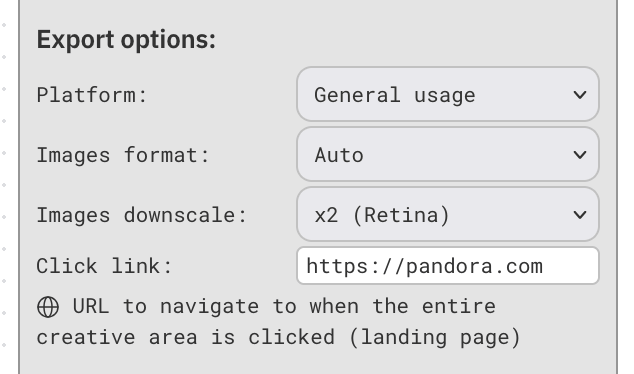
If you need a direct URL inside the banner, set Platform = General Usage in Export Options and paste your landing page link in the field below.
After export, banner clicks open the URL you entered.
When to use each option
- Use platform-managed click tracking when the ad network injects destination URLs.
- Use direct landing page links for standalone usage, demos, or channels without macro requirements.
If your platform is not listed yet, contact us and we can add support.